
Week 80 - Data Loading & Staging
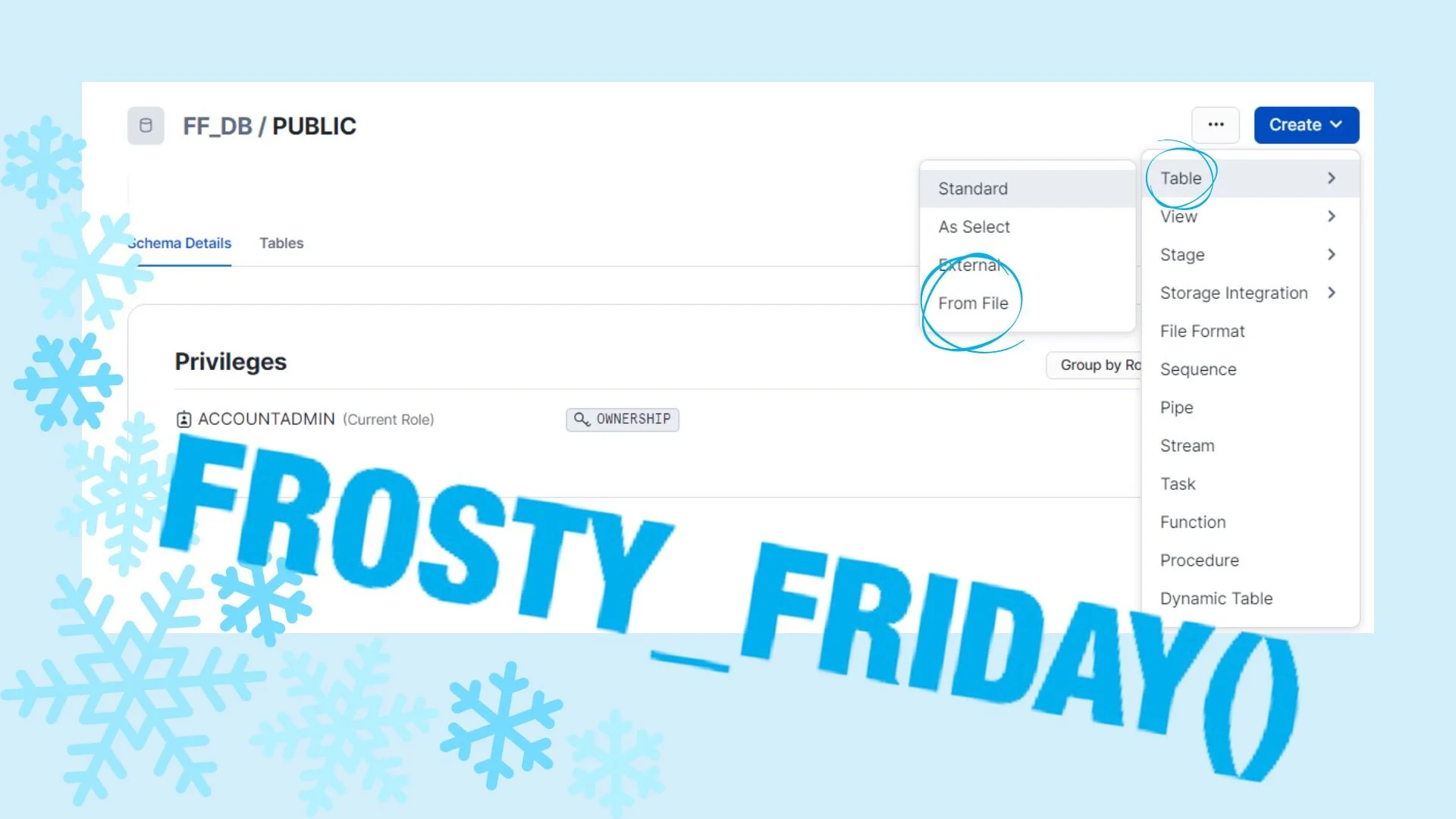
Just ten days ago Snowflake announced the general availability of creating a new table when loading a file in Snowsight. How? By using the INFER_SCHEMA table function to automatically detect the file metadata schema, retrieve the column definitions, and generate a new table.
All you need to do is:
- Log on to Snowsight.
- Go to the "Data" section in the navigation menu, then select "Databases."
- Choose a specific database and schema you want to work with.
- Click "Create."
- In the drop-down menu, select "Table" and then choose "From File."
And voila, you'll discover how cool this new feature is! It will certainly save you time!
